

Modern 64 bit Windows, Linux or Mac OSX
Installation STEP 1 (Windows 10, Linux or Mac OSX 64bit)
Download complete ZIP for:
- Windows 64 bit (ZIP)
- Linux GTK 64 bit on x86 (ZIP)
- Mac OS X 64 bit Intel (ZIP)
- Mac OS X 64 bit Intel (DMG)
- Mac OS X 64 bit Apple Silicon (ZIP)
- Mac OS X 64 bit Apple Silicon (DMG)
Installation STEP 2
Unzip and copy to the desired location.
Older 32 bit Windows or Linux
Installation STEP 1 (older versions of Windows, Linux 32bit)
Download Java 8 for your operating system
Installation STEP 2
If you still have a 32 bit version (no longer maintained) of your OS and Java, Download complete ZIP for:
Installation STEP 3
Unzip and copy to the desired location.
Installing in Eclipse™ Development Environment
Installation STEP 1 (Installing in Eclipse™ Development Environment )
Download Java 11 or higher for your operating system
Installation STEP 2 (Installing in Eclipse™ Development Environment )
Get Eclipse™ version 4.16 or higher,
- Download minimal install from Eclipse.org and find Platform Runtime Binary
- Download a full featured Eclipse version from Eclipse.org and find your version
- Drag this icon onto your running Eclipse instance
 to install from Eclipse Marketplace.
Installation STEP 3 create an entry for the Eulumdat Tools update site and Install
- Select Help/Install New Software from the menu
- Click Work with:, Enter https://www.fold1.com/eulumdattools/ and press return
-
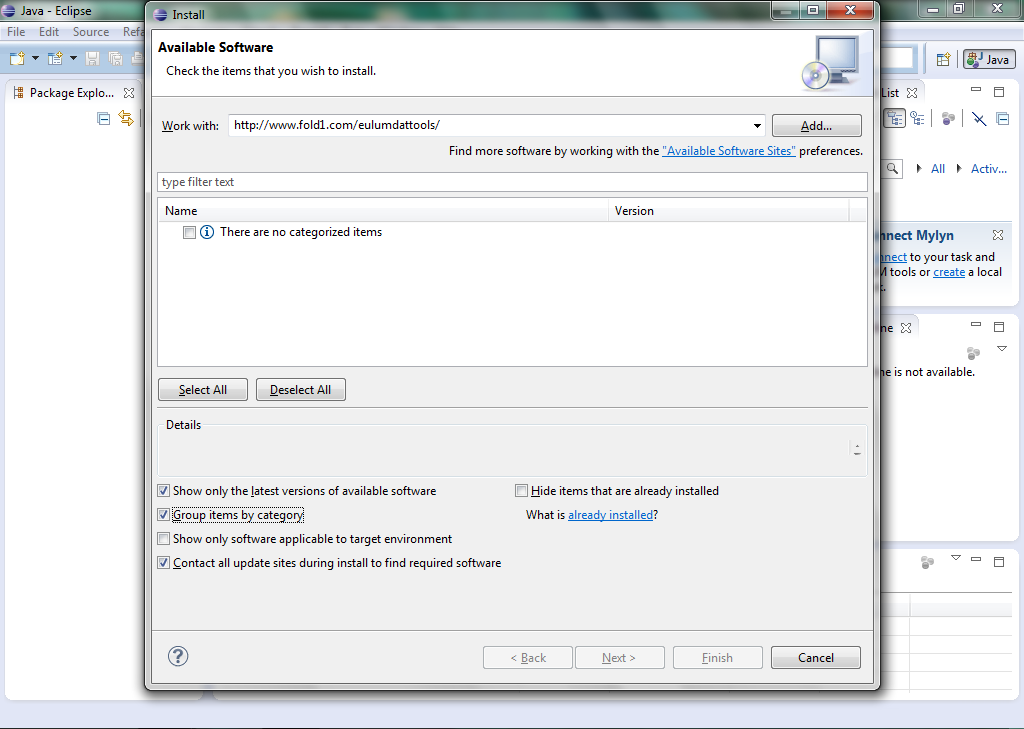
Uncheck Group items by category -

select the Eulumdat Tools feature and press Next -
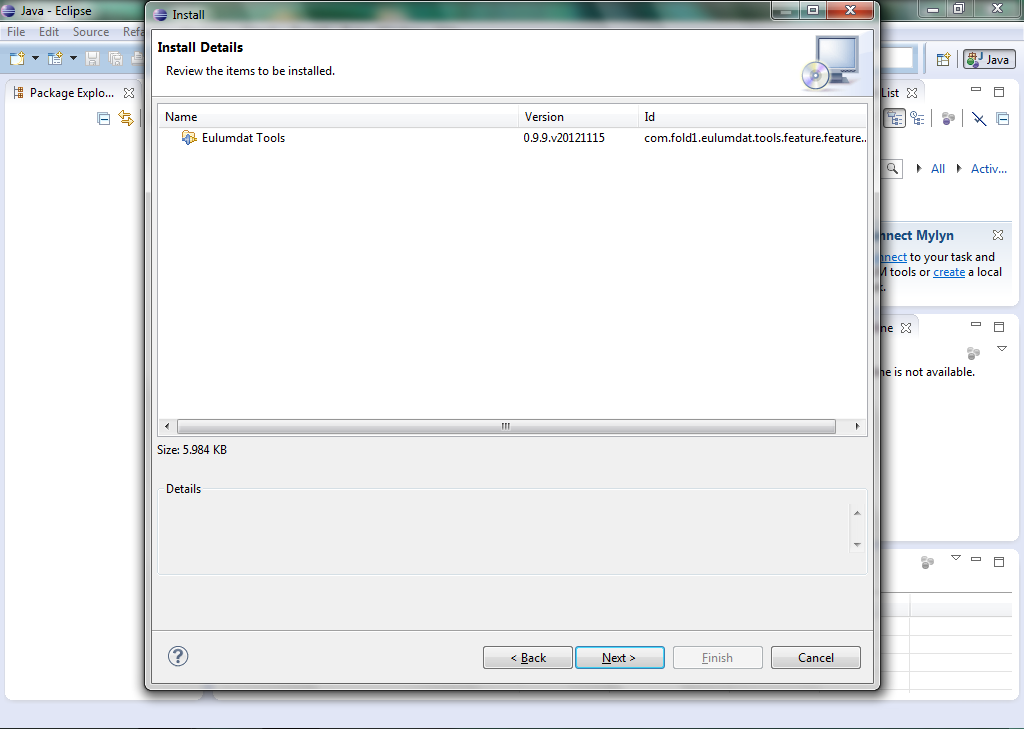
Press Next -
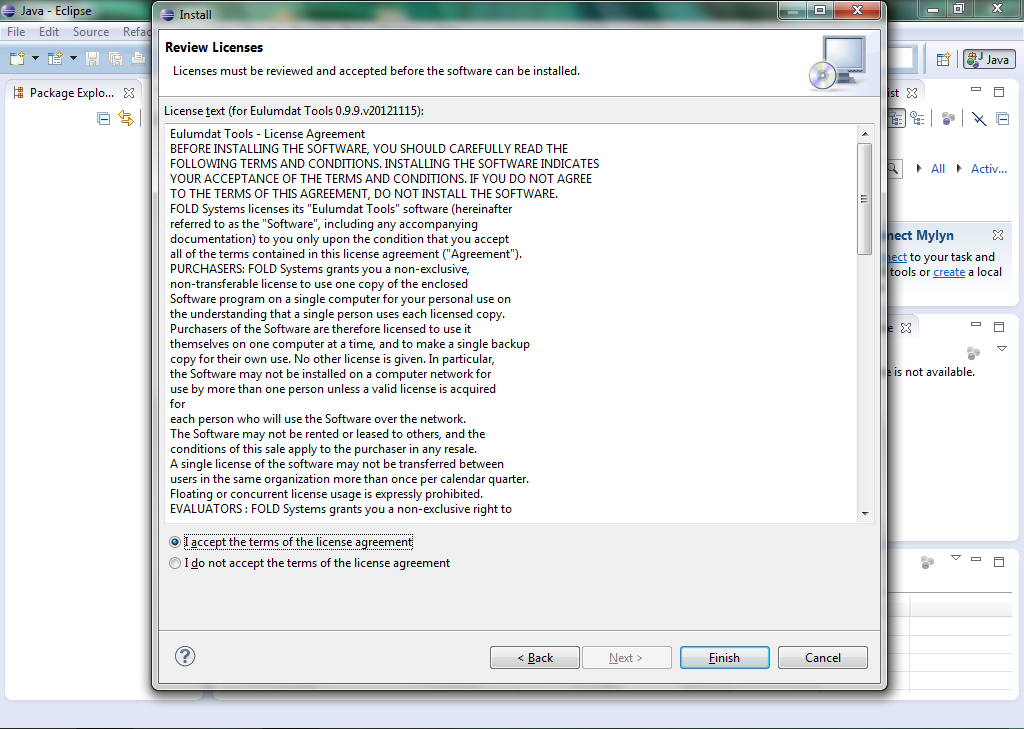
Check I accept the terms of the license agreement and press Finish -
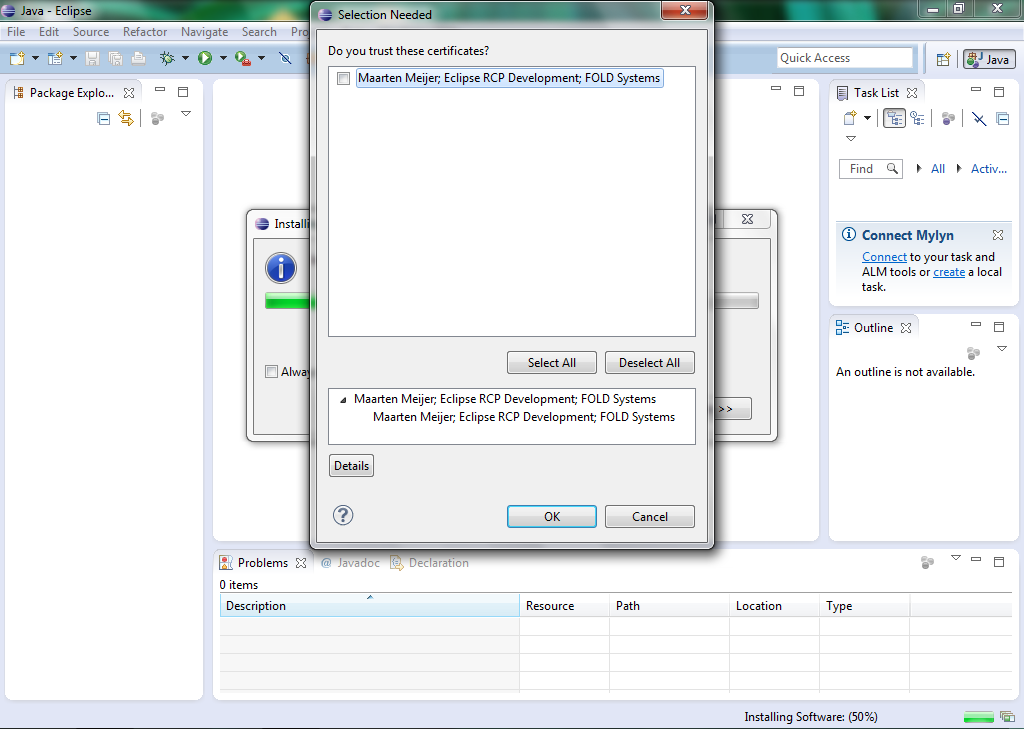
Select the certificate displayed or press Select Alland press OK. -
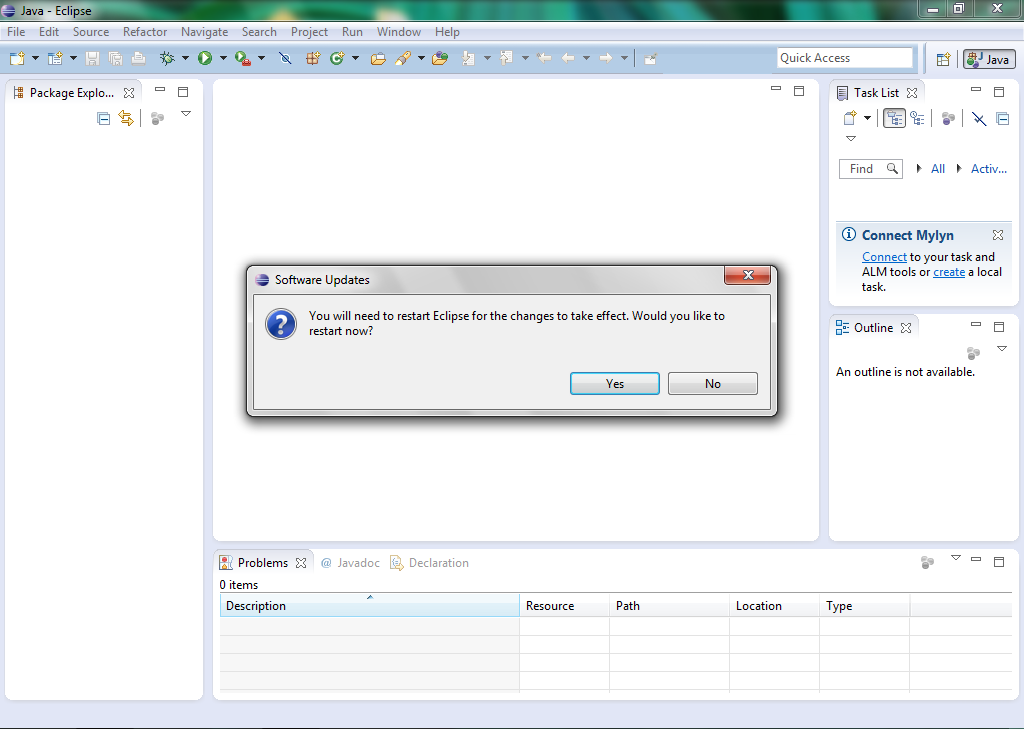
Eclipse will Ask to Restart, do this.
Installation STEP 4 first use, select the perpective and create a first project
- Select menu Window/Open Perspective/Other.. and choose Eulumdat Tools
- Select menu File/New project and create a project
- Select the project and use File/Import.../Archive to import Eulumdat files into the project
- Right-Click the project and choose Eulumdat Tools/Add/Remove Eulumdat Validator Nature, the icon will change and the validator will start
- Change validator preferences with Window/Preferences/Eulumdat Tools/Validator
- Double click the problems to correct or Right-Click and choose Quick Fix
Registration & Purchase
Evaluation License Registration Code Request
Please fill in the form below and an Evaluation license code will be mailed to the email address provided.
By providing your name and email address here you agree to receive future emails about EulumdatTools and your license.
Purchase FULL license version
A Full license will cost € 99,00 during BETA stage and is valid for one year.
To order a FULL license, please reply to the EVAL registration mail with name and email of registered user AND company details such as name, domicile, address, and VAT-code to receive an invoice with proper VAT transfer for your accounts.